
OBD-II tells you far more than a trouble code - and far less than most people assume. What freeze frame, live data, readiness monitors and Mode $06 actually show, and which vehicle systems a generic scanner cannot see at all.
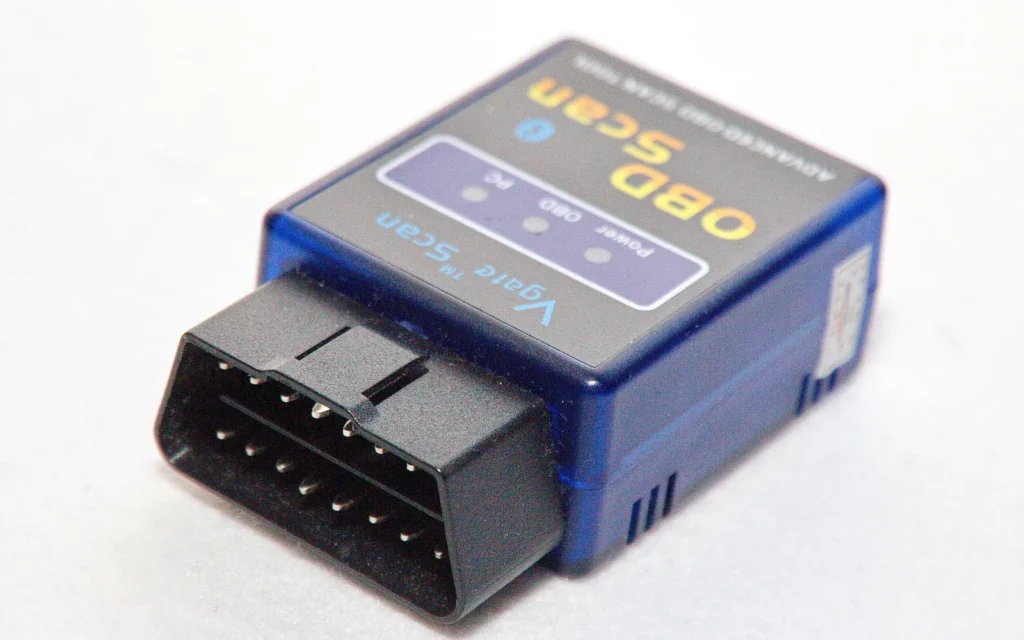
A cheap scan tool will read your check engine light in about fifteen seconds. What it hands back is a five-character code and, quite often, a suggested part. That suggestion is where a lot of unnecessary spending starts.
OBD-II is genuinely useful, and anyone who owns a car benefits from understanding it. But it was designed for a specific purpose, and knowing where its boundaries sit is what separates a useful reading from a misleading one.
On-board diagnostics in its second generation was standardised through SAE and adopted by the EPA and the California Air Resources Board, becoming required on cars sold in the United States from the 1996 model year. The goal was emissions compliance: give any technician, in any state, a common connector and a common language for checking whether a vehicle emissions system is working.
That origin explains both its strengths and its limits. OBD-II is standardised and universal, and it is focused on the powertrain and emissions systems. Everything else on the vehicle was left to each manufacturer.
The familiar P0-prefixed codes are generic and mean the same thing across manufacturers. Pending codes are faults the system has seen once but has not yet confirmed, which makes them an early warning worth paying attention to.
When a code sets, the system captures a snapshot of operating conditions at that moment. Engine speed, load, coolant temperature, vehicle speed and fuel trim values at the instant of the fault are far more diagnostically useful than the code itself, because they tell you what the vehicle was doing when it went wrong.
Watching parameters in real time is where most real diagnosis happens. Fuel trims, sensor voltages and calculated load values under changing conditions show behaviour that a stored code cannot.
These indicate whether the vehicle has completed its self-tests. If monitors are incomplete, the vehicle will typically fail an emissions inspection even with no light illuminated — which is also why clearing codes shortly before a test is counterproductive.
Mode $06 exposes the actual pass and fail measurements behind the monitors, including values that are drifting toward their limits but have not yet triggered a code. It is underused, and it is one of the best early indicators available.
This is the part that generic scanners rarely make clear.
If your scanner reports no faults but the vehicle clearly has one, that is usually a sign the fault sits in a system outside generic OBD-II coverage — not a sign the vehicle is healthy.
| Position | Meaning |
|---|---|
| First character | System: P powertrain, B body, C chassis, U network and communication |
| Second character | 0 for a generic standardised code, 1 for a manufacturer-specific code |
| Third character | The subsystem involved, such as fuel and air metering or ignition |
| Fourth and fifth | The specific fault within that subsystem |
U-codes deserve particular attention. They indicate communication problems between modules rather than a failed sensor, and they frequently accompany the kind of multi-system symptoms covered in why several warning lights come on at once.
A scan tool tells you what the vehicle network is reporting. It cannot tell you that an instrument cluster has worn stepper motors, that a radio has a failed amplifier stage, or that an ECU has a cracked joint that only opens once the engine bay warms up. Those are physical failures inside the hardware, and they are diagnosed on the bench rather than through the diagnostic connector.
Interpreting the symptoms of that kind of failure is covered in the signs of a failing sensor and in our guide to deciding between replacing and repairing a module.
We repair instrument clusters, ECUs, radios and ABS modules at component level and return your original unit.